Use every credit you pay for.
Premium cards come with statement credits, each with its own amount and reset date. CardSignals keeps the list for you, with what is left on each one.
- Every credit on your cards, with the amount left and the reset date
- Mark one used in a tap, in full or in part
- A reminder 3, 7 or 14 days before an unused credit lapses
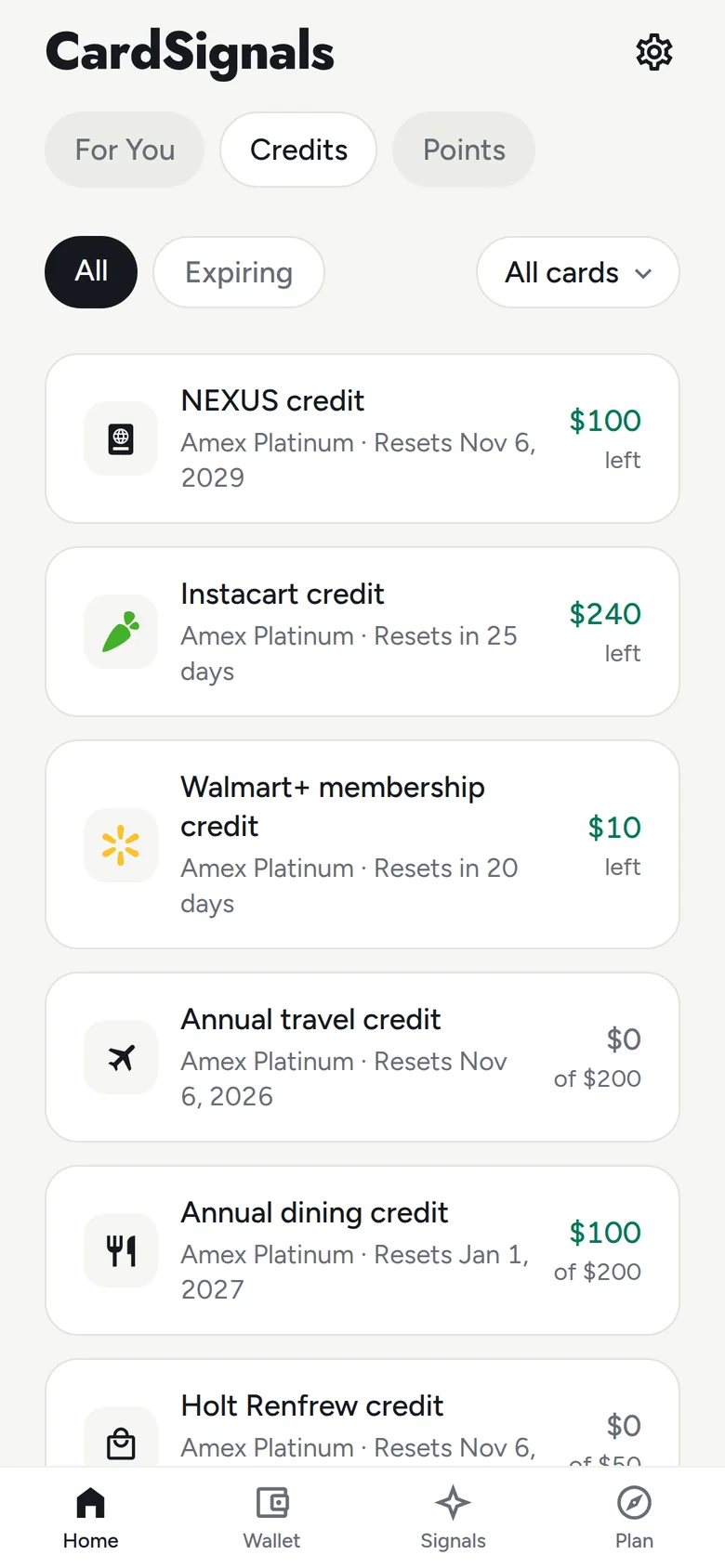
Too many credits to keep in your head?
Add a card and its statement credits come with it. Each one shows the amount left and when it resets, and rolls over to the next period by itself.
Used part of it?
Swipe a credit to redeem it in full or in part, or swipe the other way to reset it. The amount left follows what you marked.
The credit lapses before you remember it.
Get a push or an email before an unused credit lapses. You choose 3, 7 or 14 days ahead.
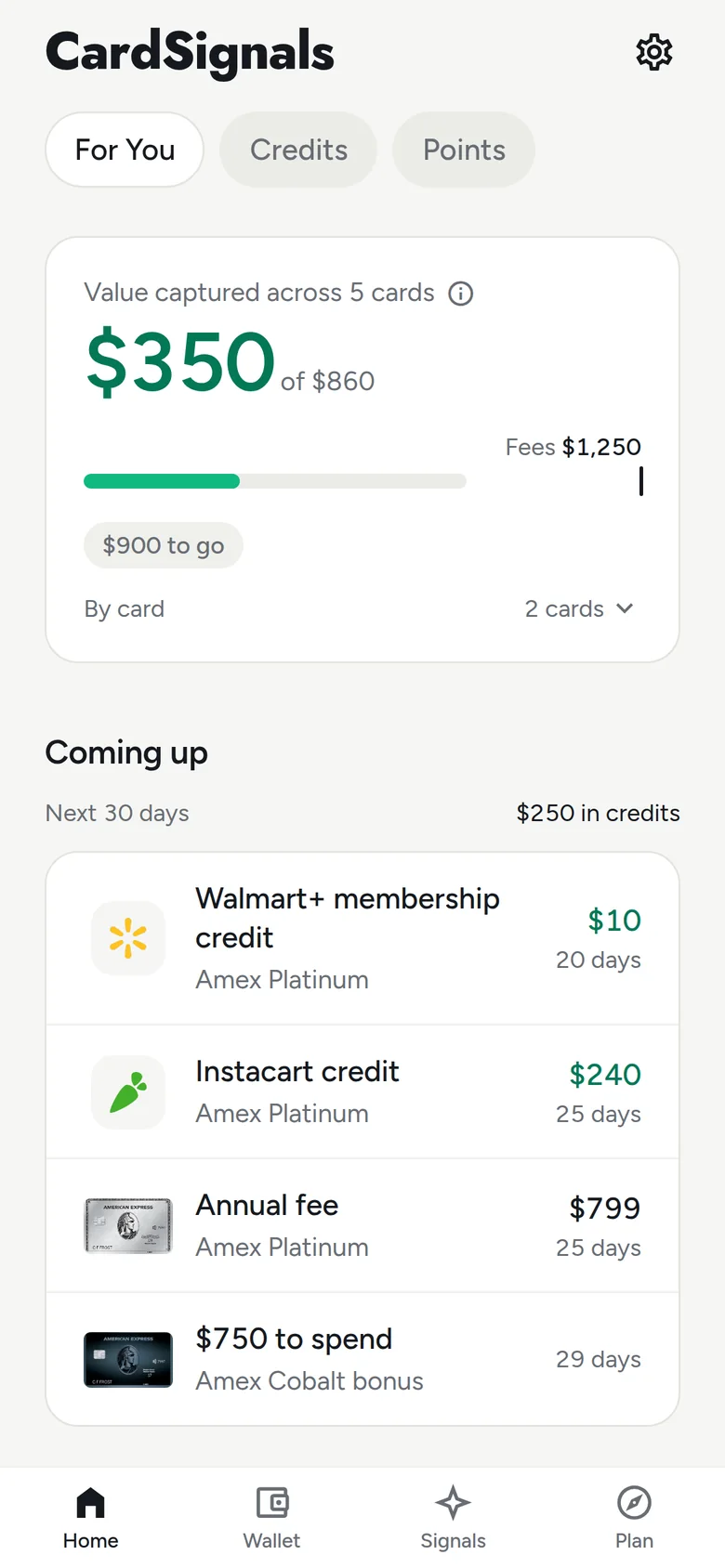
Credits about to reset also show in Coming up on Home, in the Coming up widget on iPhone and on Apple Watch.
Is the card paying for itself?
Value captured on Home adds up the credits you have used and sets them against your annual fees, with what is left to cover them, until it reads Fees covered.
Where did last month's credits go?
On the 1st, the monthly recap shows the credits whose period ended last month: what you used and what went unused. Then it lists the credits and fees coming up this month.
Everyone gets the totals. Pro shows them card by card, with each credit and fee.
Screens from the CardSignals app, showing a demo wallet. Widget, Siri and extension pictures are drawn from the app's own layouts with the same demo wallet.